Jira Connector
Connect to Jira to import issues, projects, and sprint data.
Connect to Jira to import issues, projects, and sprint data.
Setup Instructions
1. Navigate to Data Integrations
Go to one of your flows, click the Data Integrations tab and select Select an Integration.
2. Select Jira
Search for Jira in the list and click Connect.
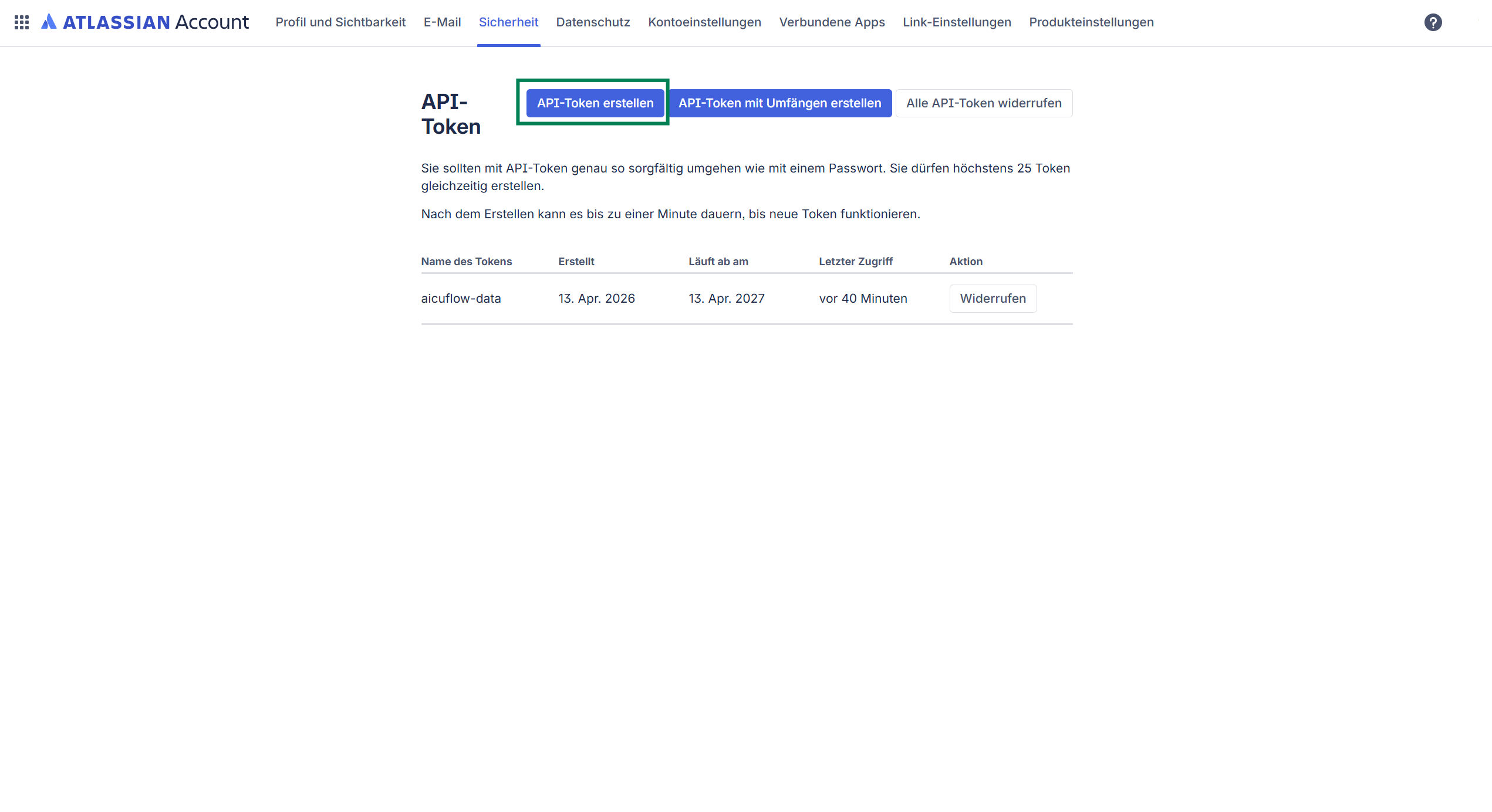
3. Get Your Credentials
- Create an API token at id.atlassian.com/manage-profile/security/api-tokens
- Copy the token and your Atlassian account email
4. Configure the Connector
- Connector Name: A descriptive name
- Jira Base URL: Your Jira URL (e.g.,
https://yourcompany.atlassian.net) - Account Email: Your Atlassian account email
- API Token: Your Atlassian API token
- Project Key: The project to import (e.g.,
ENG,PROJ)
Note: On every sync, a new version of your data is created. Up to 5 versions are stored by default.